Project: Printable Stonetop Book Tabs

Cost: $
Time: 30–60 minutes
You'll Need: Avery 16280 or 16281 Printable Repositionable Tabs, printer, Avery Design & Print Online
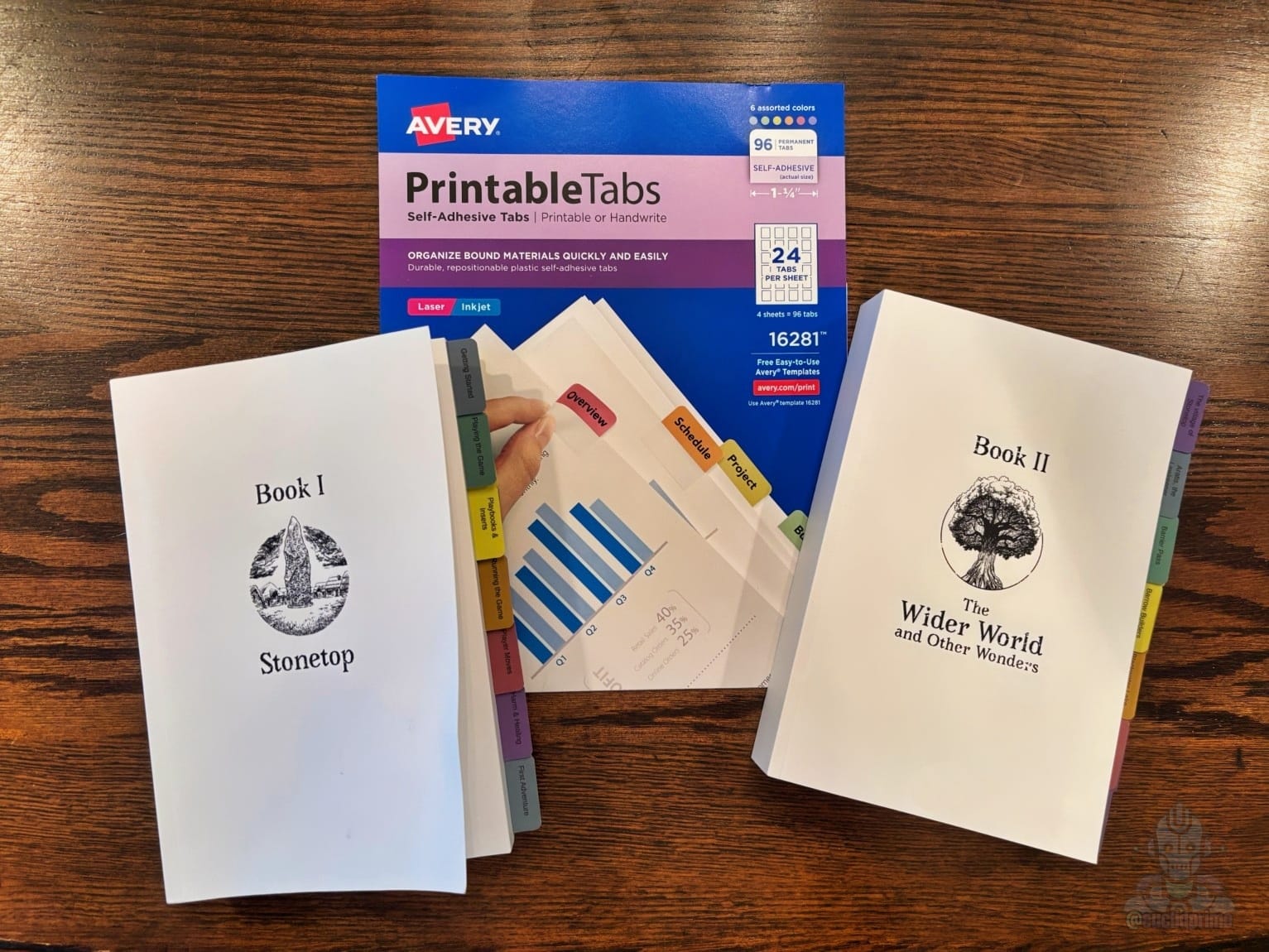
One of the first things I wanted to do after getting my Stonetop books was add index tabs.
I've always found tabbed rulebooks easier to use at the table, especially when I'm constantly jumping between chapters during play. I looked at handwriting the tabs, but I was never happy with how they looked.
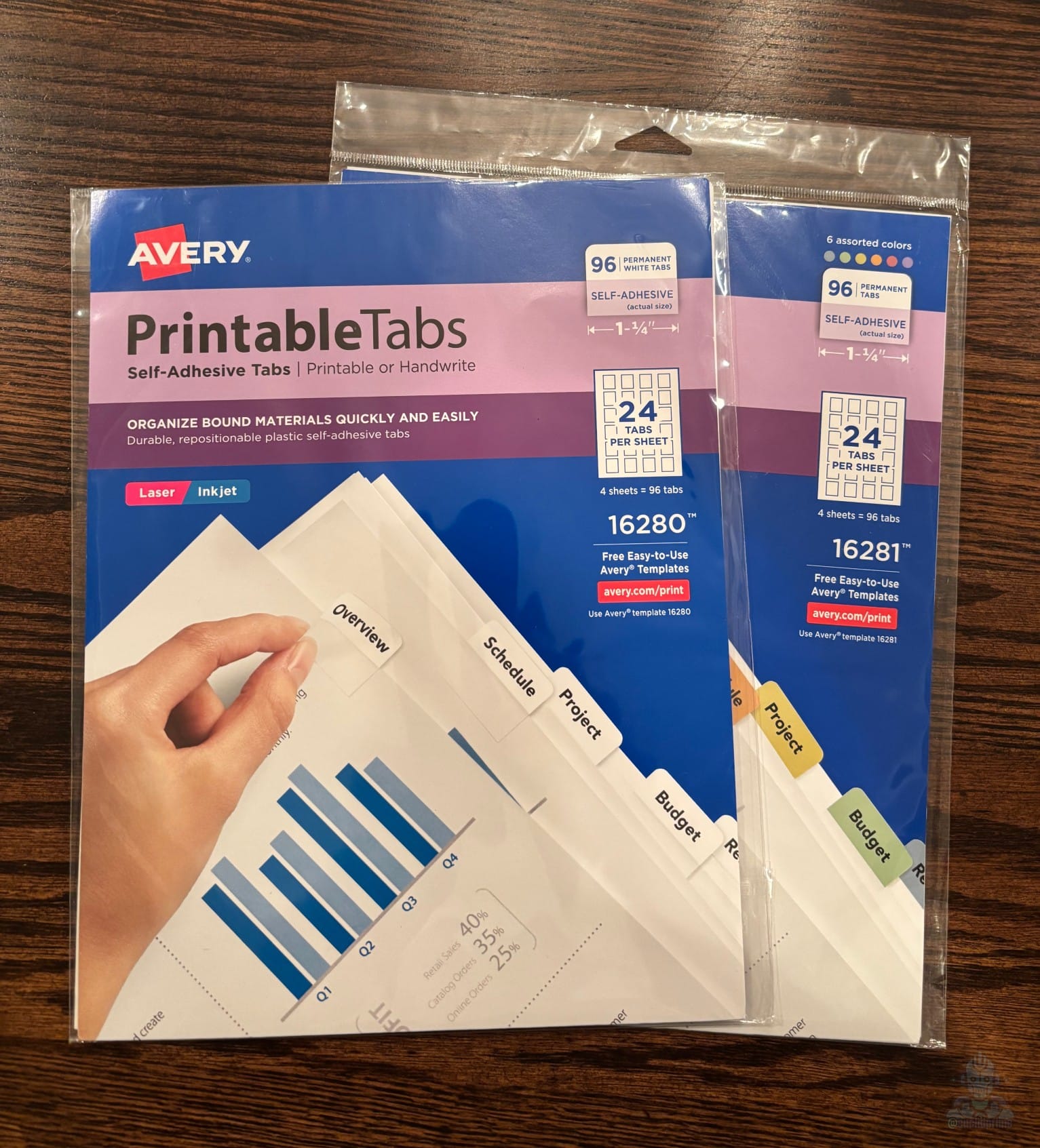
So I picked up a pack of Printable Self-Adhesive Plastic Tabs (16280) (white) and Printable Self-Adhesive Plastic Tabs (16281) (assorted colors) and made my own. If you opt for another brand or version of these types of tabs, I'd strongly recommend you opt for the repositionable versions of these tabs to protect your books.
After a bit of measuring, adjusting, and test printing, I ended up creating labels for every major section across the books, from Getting Started and Player Moves to The Great Wood, Major Arcana, and everything in between.
The finished tabs blend in nicely with the books and make it much easier to find what I'm looking for during a session.
If you'd like to make a set for your own books, I've included the printable templates below. They are designed specifically for the Avery 16280 and 16281 printable repositionable tabs.
If you decide to make your own instead of using the template provided below, I highly recommend using Avery's Design & Print Online tool instead of the downloadable templates for Word, Photoshop, and similar programs. I found the downloadable templates to be inconsistent. The online designer was far more accurate and produced better alignment.


Have a question, comment, or something Stonetop-related to share? Visit r/Stonetop on Reddit.


